Introduction
Welcome to XWidget documentation.
What is XWidget?
XWidget is a Flutter package for building dynamic UIs using an expressive, XML-based markup language. Unlike traditional Flutter development where the UI is written in Dart and compiled, XWidget interprets XML at runtime, enabling dynamic layouts.
Use What You Need
XWidget is designed to be flexible and modular - you're not forced into an all-or-nothing approach. Use it for a single screen, a handful of widgets, or your entire app. Mix XWidget UIs with traditional Flutter code however you see fit. There are some Best Practices to follow for optimal code organization and build size, but the framework adapts to your needs rather than dictating your architecture.
How It Works
XWidget UIs are defined in XML and parsed at runtime. You have access to all the Flutter widgets and classes you normally work with - including widgets from 3rd party packages and your own custom widgets. This is achieved through code generation: you specify which widgets you want to use, and XWidget generates the appropriate classes to make them available as XML elements.
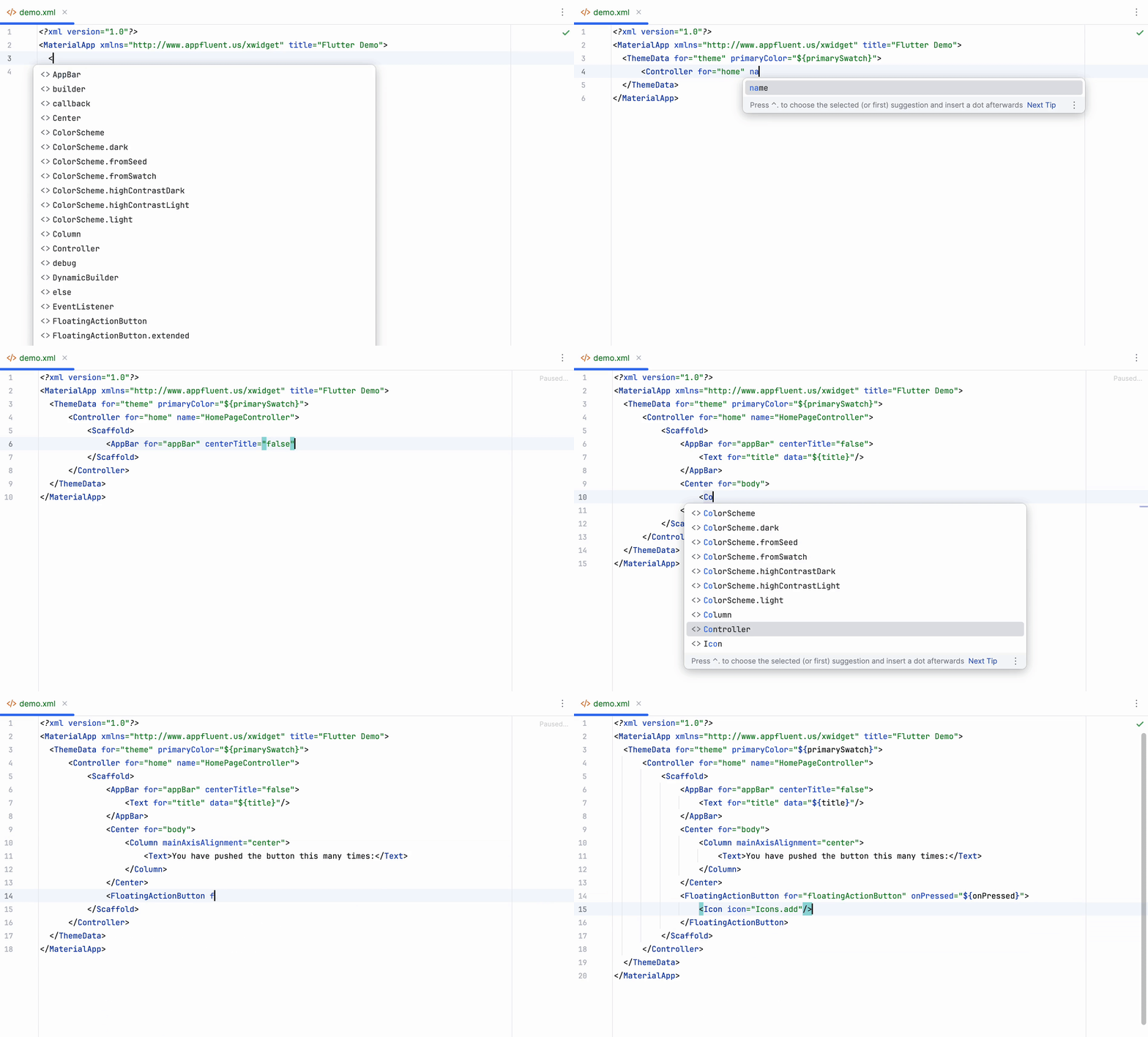
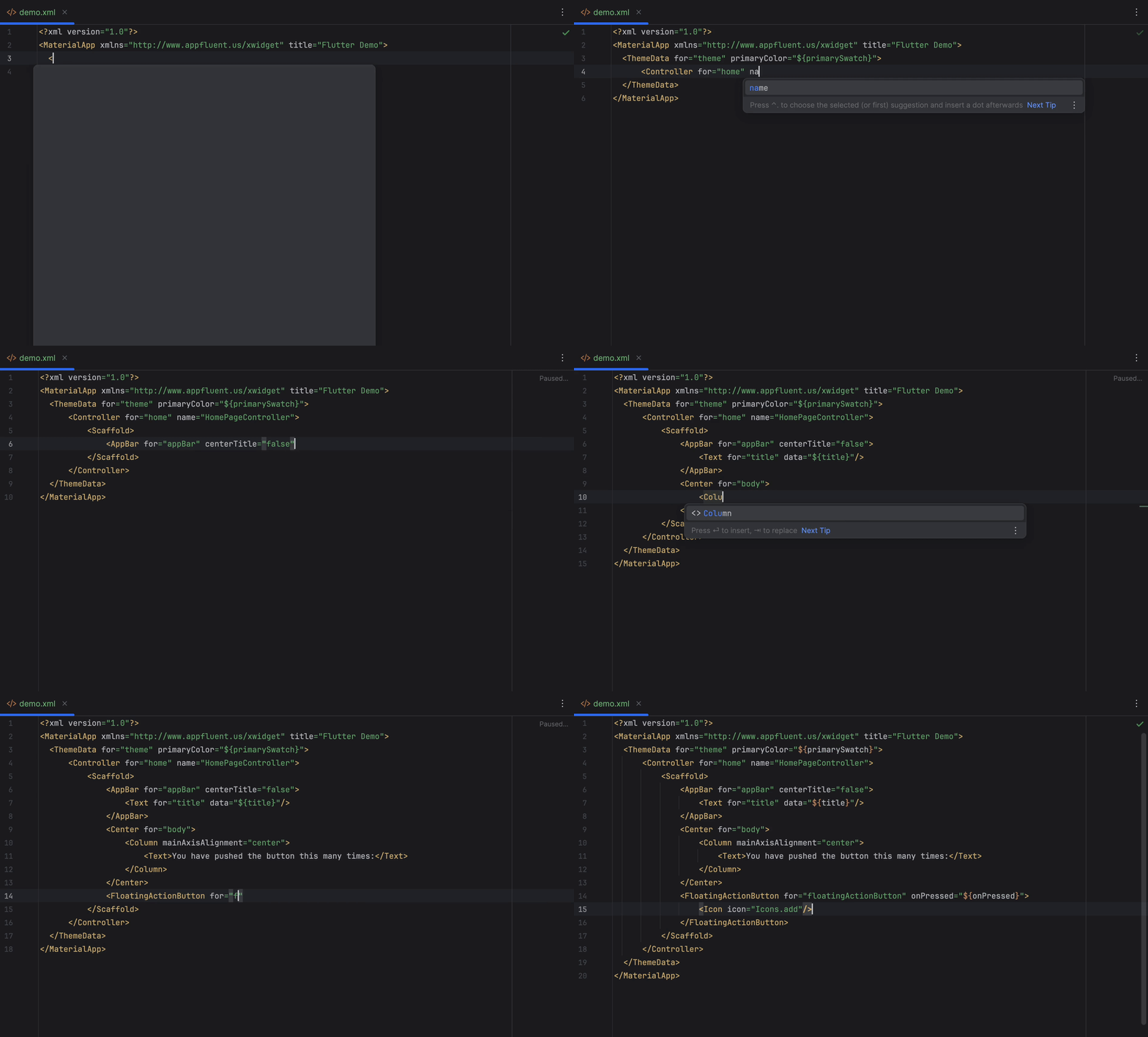
You have access to all of a widget's constructor arguments as element attributes, just as if you were writing Dart code. When you register the generated XML schema with your IDE, you'll even get code completion and documentation tooltips.
<Column crossAxisAlignment="start">
    <Text data="Hello World">
        <TextStyle for="style" fontWeight="bold" color="#262626"/>
    </Text>
    <Text>Welcome to XWidget!</Text>
</Column>
XML elements are named after their Flutter widget classes, with support for named constructors.
For example, Text becomes <Text>, while Text.rich becomes <Text.rich>.